
Artwork Considerations
To achieve the best results with your DTF transfers, please keep these considerations in mind when preparing your artwork.
ACCEPTED FILE TYPES
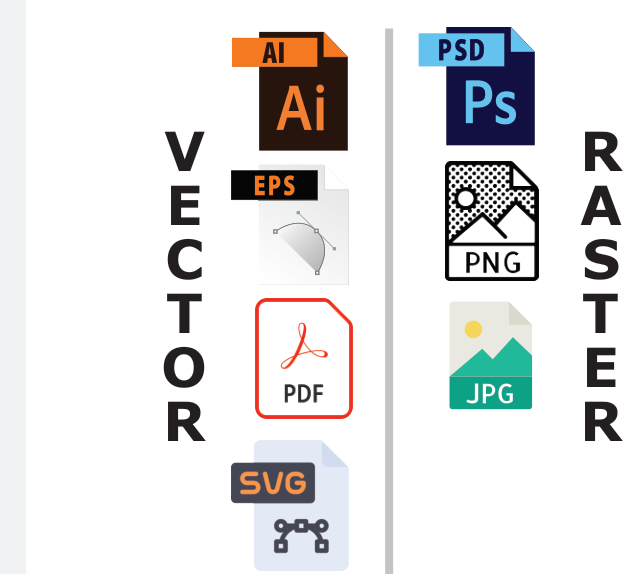
Vector files are ideal for DTF printing due to their scalability and clarity. If you're using raster images, high-resolution PNG files are the preferred format.
COLOR CONSIDERATIONS
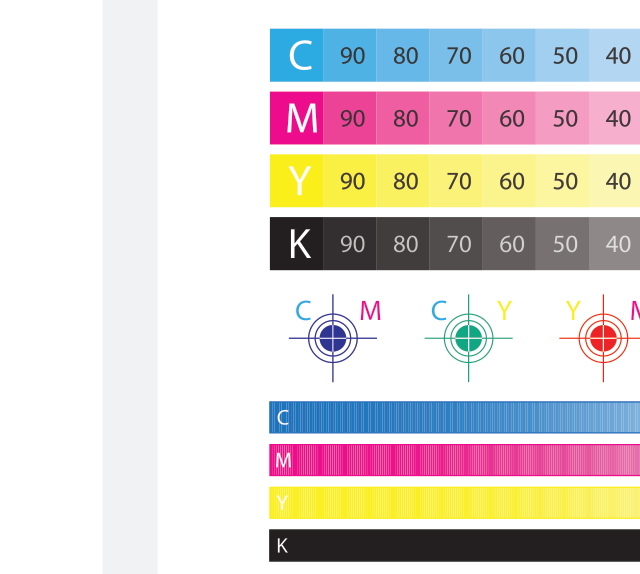
DTF printing, like all CMYK-based processes, is limited to producing colors that fall within the CMYK color range.
REQUIRED LINE WIDTH
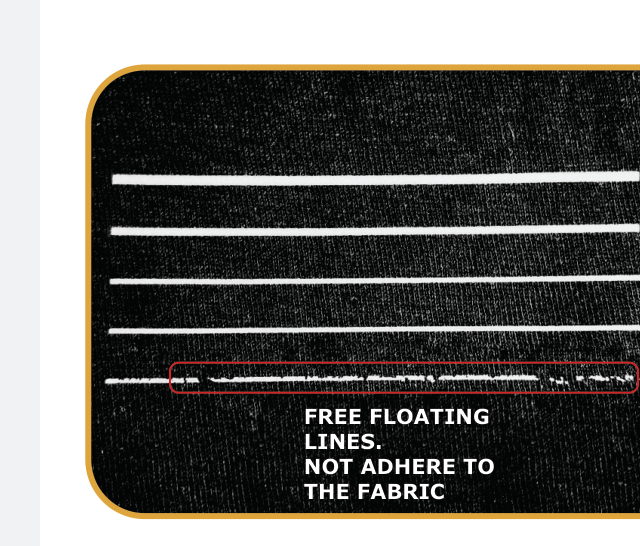
For standalone or free-floating lines—not connected to larger shapes—the minimum recommended line width is 0.019 inches (1.4 pt).
Lines thinner than this may not properly adhere to the garment and could peel or fail during transfer.
IMAGE RESOLUTION PIXEL COUNT
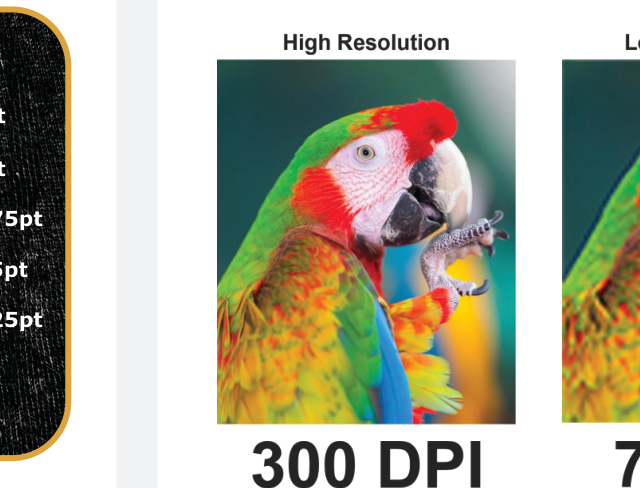
For the best print quality, we recommend using raster images with a resolution of 300 DPI (dots per inch). Images with lower DPI may appear pixelated or blurry when printed.
Our gang sheet builder will automatically alert you if your image resolution is too low for optimal results.
SHOW THROUGH HAND FEEL
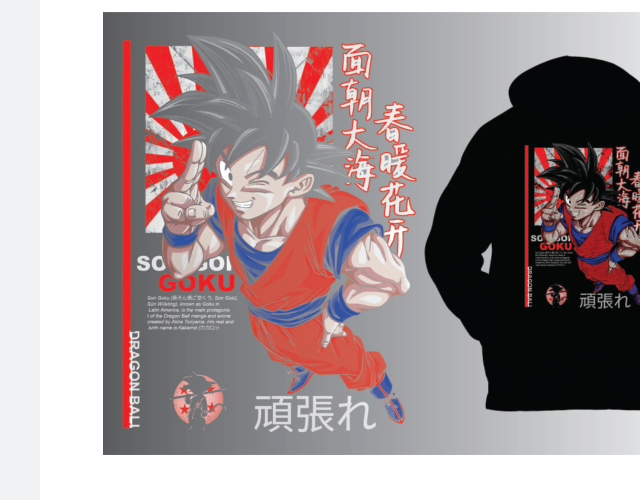
Higher levels of show-through (negative space) in the print design reduce ink coverage, resulting in increased fabric breathability and an improved hand feel.
Recommendations: Halftone or remove black background if you are printing on black garments.
AVOID SEMITRANSPARENT PIXELS ON EDGES
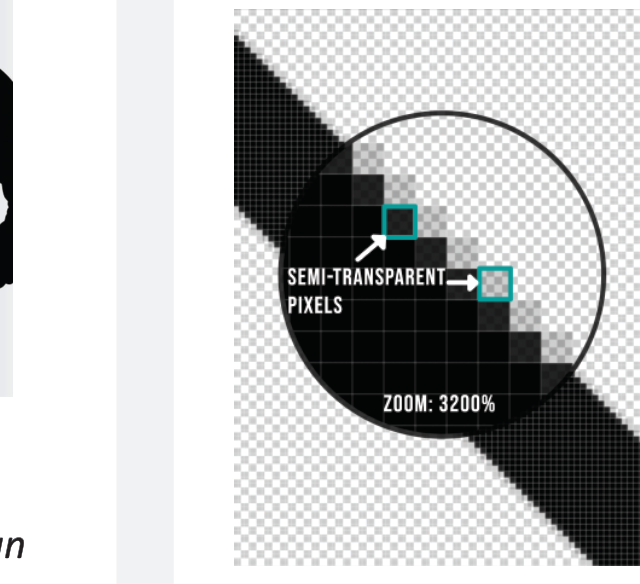
When submitting PNG files, ensure there are no semitransparent pixels along the edges of your design.
These can result in unwanted thin white outlines when printed.
Ensure the edges of your design elements are clean & contain no stray pixels.
AVOID TRANSPARENT GRADIENTS
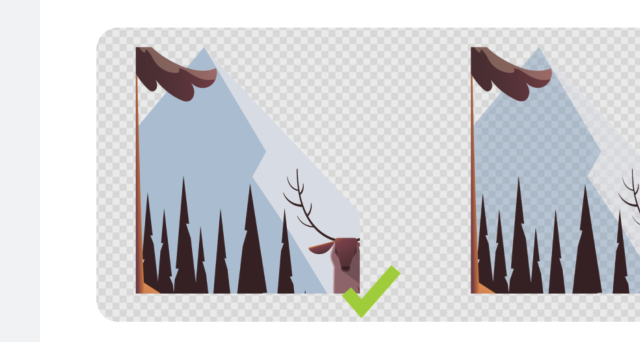
For vibrant colors, use 100% opacity in your design. We print a base layer, so low-opacity elements can look muddy. Keep it solid for the best results.
Avoid glow, smoke, and transparent gradients - Use halftones instead for fade effects, and only use gradients that go from one color to another, not to transparency.
DISTRESSING
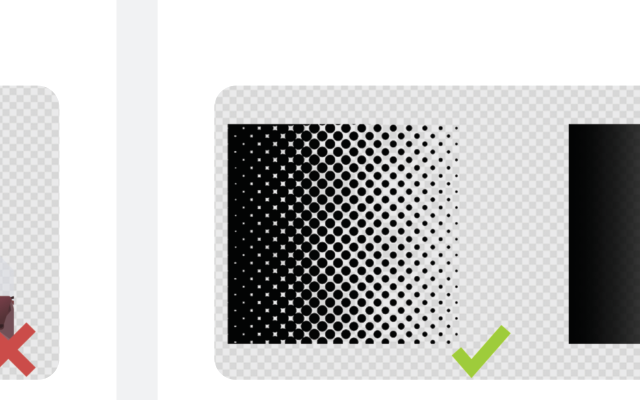
Use background color to achieve distressing rather than relying on low opacity pixels.
For a distressed look without sacrificing print quality, add a white background behind distressed elements to create a “scuffed” effect. For a cleaner, traditional style, remove semi-transparent pixels after distressing.
COLOR MATCHING

DTFZONE is not responsible for color differences between your digital design and the final DTF print. To ensure accuracy, always use HEX codes in your color guide.
Our printers and screens are calibrated using NIX3, but your screen may display colors differently.
For better color accuracy:
- Use an IPS monitor
- Calibrate your monitor to NIX3.
- You can buy a printed color swatch for reliable color selection. Email quotes@dtfzone.com
TRANSPARENT BACKGROUND
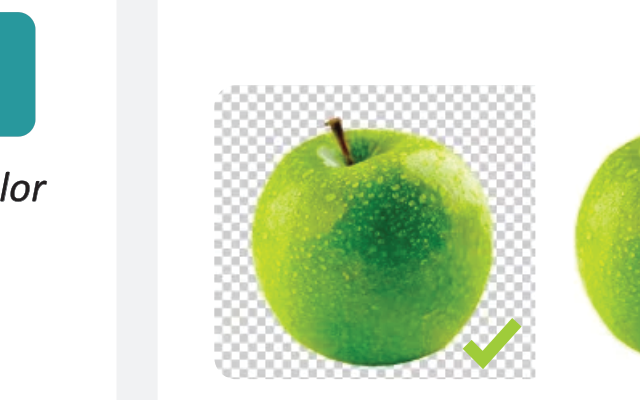
Ensure that all submitted designs have a transparent background.
Important: DTF printing reproduces everything in your image — including any white backgrounds. If your design includes a white background, it will be printed.