
DTFZONE Plugin · For Printing Businesses
Build Clean Gang Sheets in Minutes
Eliminates file confusion and speeds up production for print shops.
Knowledge Base
Using the Names & Numbers Builder
Personalize gang sheets with individual names and jersey numbers in seconds, ideal for sports teams, uniforms, and bulk orders.
Faster Sheet Creation with Auto-Fill
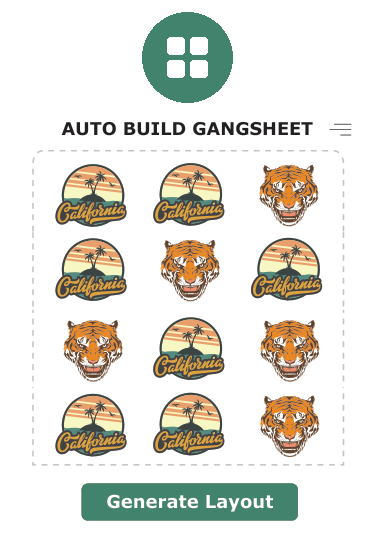
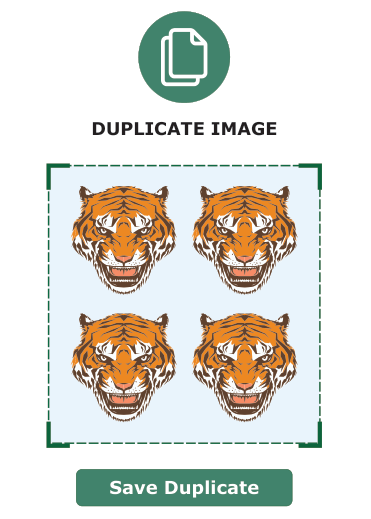
The Auto-Fill feature lets you instantly duplicate resized designs across your gang sheet, helping you complete layouts with a single click.
All documentation
- Change the Sheet Background Using the Preview Tool Use the visual aid option to adjust the canvas background color while building your gang sheet. This helps you clearly see white or light artwork and position designs more accurately before ordering.
- How to Upload Files to the Gallery Upload your designs to the gallery so you can reuse them anytime. This guide shows how to add files and access them later inside the builder.
- Auto-Fill Tool Auto-Fill automatically repeats your resized artwork across the available sheet space, reducing manual placement and speeding up your workflow.
- Create Sheets Faster with the Auto-Fill Tool Learn how to duplicate designs across your layout in seconds using Auto-Fill, allowing you to complete full sheets quickly and efficiently.
- Using the Names & Numbers Builder Tool Add personalized names and jersey numbers directly onto your gang sheet. Ideal for sports teams, uniforms, and group orders.
- Saving Favorite Designs Mark frequently used designs as favorites so they appear instantly when you open the builder, making repeat orders easier.